Be yourself; Everyone else is already taken.
— Oscar Wilde.
This is the first post on my new blog. I’m just getting this new blog going, so stay tuned for more. Subscribe below to get notified when I post new updates.
Keeping track of your child’s phone activity is just another task to add on top of everything else. Here’s how parental control apps can be an extra pair of hands (and eyes) you need.
Your to-do list is teeming with things like grocery shopping, cooking, working out, paying taxes, and the top priority? Taking care of the kids. Once your child comes home from school, that’s when it’s full speed ahead – from cooking their meals to supervising their homework, it’s a full-time job. But throw in their want for the screen, and there’s another task looming over your head: monitoring their device use.
Technology is huge today, and it’s both helpful and entertaining. Through their devices, your child will have the world at his/her fingertips, almost literally! But technology can be a double-edged sword; while useful, uncontrolled time spent on devices can lead to adverse health issues such as myopia or addiction. As a parent, it’s natural to be concerned about the amount of time your child is spending on his/her devices. Constantly checking on them and their screen time is just another thing to add on to the to-do list, and it’s time-consuming.
Typically, parental control apps centre around blocking particular apps on your child’s device, or limit their internet usage. This might seem restrictive to your young one. For the first few weeks after installing the application, your child may find these restrictions annoying and this may lead to tantrums or even sudden withdrawal symptoms. However, parental control apps that aim to empower your child, such as plano, can be both fun and helpful.
The plano app is a science-based app that offers you all the parental management features, subject to your device capabilities. These features include a time tracker to keep track of your child’s screen time, and an apps blocker function to keep your child safe from harmful content. Beyond that, however, the plano app also monitors your child’s vision health. Through the app, you can input your child’s latest eye test results and monitor the progression of their eye health. You can even book an appointment with a nearby optometrist for your child to attend an eye exam.
The app reminds your child to take regular eye breaks and to place their phone at a safe distance from their eyes. Additionally, it reminds your child to use their phone in the correct lighting conditions. If your child follows all the prompts in the app, he/she will earn points which they can use to request for enrichment classes and outdoor activities.
With the help of parental control apps like plano, you don’t have to worry about constantly looking over your child’s shoulder to check on his/her device use. In fact, you can just sit back and relax while the app helps you monitor your child’s screen time. At the end of the day, parental control apps are there to help you and your child out, and we hope it’ll prove beneficial to your family in the long run! For free download
What happens to your child’s cognitive and social development when their love for the screens turns into an addiction?
Too much of a good thing can be bad.
Technology is great – it’s cool, creative, and convenient. There’s a lot to love about it, and when it comes to a long flight or if you’re stuck in traffic, your little smart device can work wonders in keeping your child occupied. There is a plethora of things your little one can do on their smart devices. From learning a new language or skill, to playing games and watching their favourite cartoons.
What happens then when your child’s love for technology and the digital screen turns into an addiction they can’t live without? What happens when they spend every other hour begging for the screen, or when they throw a tantrum when you deny them of their smart devices? It’s a sign of addiction.
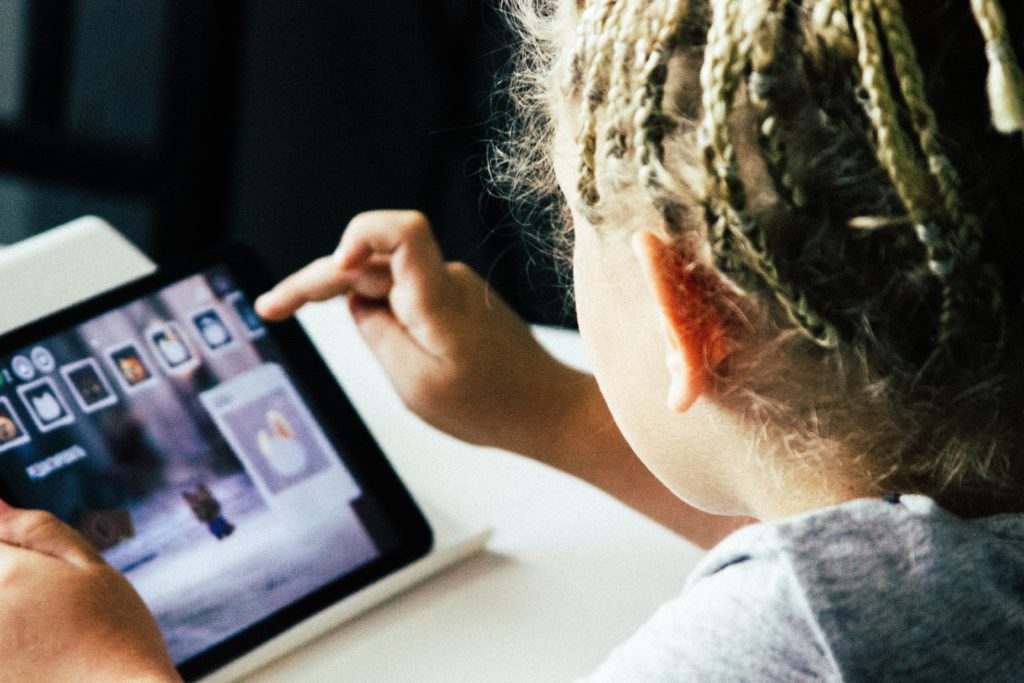
While you may be tempted to relent to your child’s demands for the screen, don’t. Stand your ground because there are detrimental, albeit unseen, effects on your child’s cognitive and social development when you unknowingly feed your child’s screen addiction.
How does screen addiction affect your child?
There is a burgeoning number of studies that have reported on the adverse effects of excessive screen time and childhood social and cognitive development. In fact, according to a particular study, users who demonstrated a high usage rate of smart devices were reported to exhibit lower self-control and emotional stability. When every bit of information and entertainment is at the tip of your child’s fingers quite literally, they experience a form of instant self-gratification. In real life, this may not always be the case and your child would have to work hard to get what he/she needs. By relying too much on the screen, your child may miss out on the opportunities to help him/her develop patience, resilience, and resourcefulness.
Excessive screen time prevents children from developing an understanding of their immediate physical environment. According to researcher Sheri Madigan from the University of Calgary’s psychology department, children who are addicted to their screens miss out on a variety of activities that help them develop their gross motor skills. These activities include running around, or riding a bike.
Besides that, Dr. Sigman from the British Psychological Society mentions that screen addiction can inadvertently result in damage to a child’s mental development. Your child’s screen addiction may impede their ability to concentrate and communicate effectively in real life. In some cases, your child may be unable to interpret nonverbal cues. And if not rectified while your child is still young, these effects may affect their growth in later years.
But don’t throw out those smartphones.
Technology is great and it’s a portal to both entertainment and information. But as with everything, there will always be pros and cons. Screen addiction can be curbed and managed if done right. It will take a lot of persuading to get your child off their screens, but the long term effects are worth it.How to curb screen addiction.
The plano app helps to manage your child’s screen time and prompts them to take eye breaks and spend an adequate amount of time off the screen. As a parent, you can set no-device times on your child’s smart device too. If your child follows all the reminders in the plano app, he/she gets rewarded with points which they can use to request for enrichment classes and outdoor activities. For free download
Summary: Study reports children who reward children with screen time often spend more time interacting with their tablets or smartphones than parents who don’t.
Giving your child extra time on the iPad for good behaviour may not be the best idea according to a new University of Guelph study.
Researchers found children, whose parents dole out screen time as a reward or revoke it as punishment, spend more time on a smartphone, tablet, computer or in front of the television than children whose parents don’t.
“It’s similar to how we shouldn’t use sugary treats as rewards because by doing so we can heighten the attraction to them,” said family relations and applied nutrition professor Jess Haines, who worked on the study with Lisa Tang. “When you give food as a reward it makes children like the carrot less and the cake more. Same thing with screen time.”
Published in the journal BMC Obesity, the study investigated the impact of parenting practices on the amount of time young children spend in front of screens. The study involved 62 children between 18 months and five years of age and 68 parents.
“We wanted to investigate the impact of parenting practices on toddler and preschooler’s screen time because this is the age when habits and routines become established and they tend to continue throughout life,” said Tang. “Also the use of mobile devices, such as tablets and smartphones, has soared in popularity among this age group in recent years.”
Currently only 15 per cent of Canadian preschoolers meet the Canadian Sedentary Behaviour Guidelines of less than one hour of recreational screen time per day. Children under two years of age should not have any time in front of a screen, she added.
As part of the study, parents were asked questions such as how they monitor their children’s screen time, when children are allowed screen time and whether the parents spend time in front of a screen when around their children.
Results show that on average children spend nearly an hour and a half in front of a screen during weekdays and slightly more than two hours a day on weekends. Parents spend two hours a day on average in front of a screen during the week and just over two and a half hours a day on weekends.
Children’s screen time amount was influenced by a few factors including whether parents use screen time as a reward. The study found a majority of parents reported using screen time as a way to control behaviour, especially on weekends. This resulted in children spending on average 20 minutes more a day on the weekend in front of a screen.
“We think the amount of screen time is higher on weekends because children are at home and typically have more interaction with their parents,” said Haines.

If parents spend time in front of a screen when around their children, the children also had higher amounts of screen time. This was more pronounced when the mother was the one spending time in front of a screen.
“It’s possible the parent is allowing the child to be in front of a screen while they are,” said Haines. “For parents of younger children, this isn’t as common because parents can have their screen time while a child is napping or in bed. But as children get older, out-grow their naps and have later bedtimes, spending time in front of a screen without children around becomes more difficult.”For free download
Having an available line of contact with your child is important, but is your child ready for a smartphone of his/her own?
Is it a smart decision to get a smartphone?
Do you need a new smartphone for your child to keep in contact with them or, keep you informed about their whereabouts? If the answer is yes, you may want to consider the following before you sign up for a mobile subscription plan at your nearby Telco.
Before handing a smartphone to your child, remember to set ground rules and parameters for them. Negotiate with them how long they can use their phones, who the main owner is (you or them), what the consequences are if your child loses/breaks the phone? According to psychologist, Dr. Jon Lasser, these rules help children learn how to self-regulate and understand their limits. Also, having a say in these rules deter children from resisting these rules.
Children learn through example. If you would want your child to pick up good smartphone habits, show them. For instance, if you want to limit your child’s screen time, set time limits on your own smartphone usage as much as you would want your child to. Remember to be engaged with your child when you have to be instead of compulsively checking your phone. Through this, children would be more aware of good smartphone habits and more likely to emulate them.

If your child readily misplaces his/her toys or books, perhaps reconsider whether they would be ready to handle the responsibility of taking care of an expensive smartphone. Additionally, after getting a smartphone, make sure he/she uses them responsibly. This means making sure your child understands the idea of using a smartphone in moderation, and using them safely and appropriately.
Get smart about smartphone management.
Getting your child’s first smartphone is a big decision. If you do decide to get your child a new smartphone, managing their smartphone usage is necessary. If physically managing your child’s smartphone usage is too taxing, the plano app has parental controls like scheduling device-free timings to inculcate good device habits in your children. Click on free download
This is an example post, originally published as part of Blogging University. Enroll in one of our ten programs, and start your blog right.
You’re going to publish a post today. Don’t worry about how your blog looks. Don’t worry if you haven’t given it a name yet, or you’re feeling overwhelmed. Just click the “New Post” button, and tell us why you’re here.
Why do this?
The post can be short or long, a personal intro to your life or a bloggy mission statement, a manifesto for the future or a simple outline of your the types of things you hope to publish.
To help you get started, here are a few questions:
You’re not locked into any of this; one of the wonderful things about blogs is how they constantly evolve as we learn, grow, and interact with one another — but it’s good to know where and why you started, and articulating your goals may just give you a few other post ideas.
Can’t think how to get started? Just write the first thing that pops into your head. Anne Lamott, author of a book on writing we love, says that you need to give yourself permission to write a “crappy first draft”. Anne makes a great point — just start writing, and worry about editing it later.
When you’re ready to publish, give your post three to five tags that describe your blog’s focus — writing, photography, fiction, parenting, food, cars, movies, sports, whatever. These tags will help others who care about your topics find you in the Reader. Make sure one of the tags is “zerotohero,” so other new bloggers can find you, too.
Have a WordPress.com account? Log in now.

